
New software.
Same AcroSports.
We're moving our student accounts, classes, and bookings onto one unified platform called Recess. Same community, same coaches, just a smoother way to manage your time at the gym.
This page is your guide to the whole change. You'll find the rollout timeline, answers to the most common questions, and a rundown of what moves over for you (short version: everything, automatically).
You don't have to sort this out on your own. We'll email you at each step, and we're here to help whenever you need it.
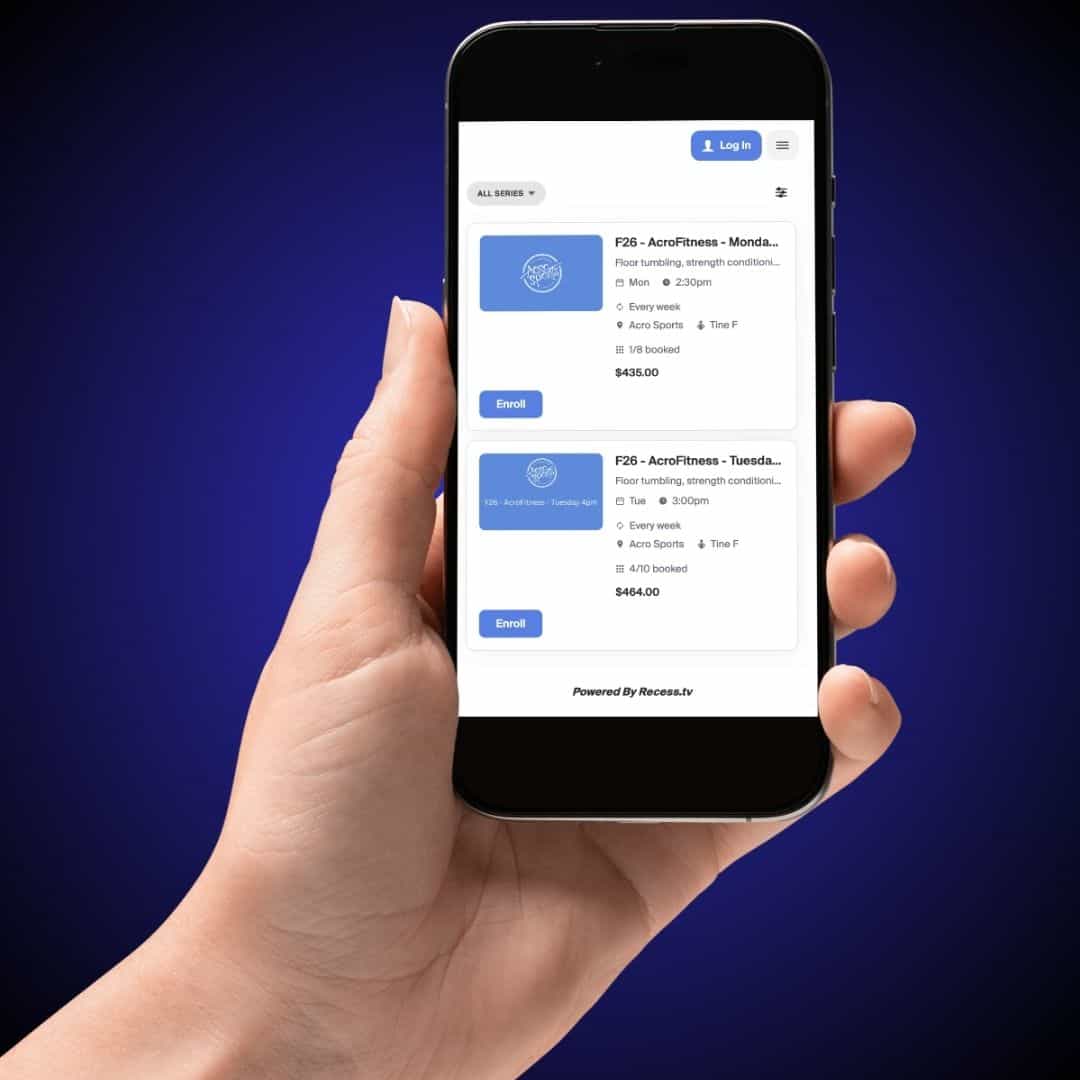
What happens, and when
Here's the rollout, step by step. Nothing to do on your end until it's your turn — we'll email you either way.
Jul 27.
Log in and check that your account looks right.
Everyone gets access. Nothing to book yet.
Aug 1.
Adult classes, parties, and AcroFun Nights open for booking.
Aug 3.
Fall classes are viewable
(not yet open to enroll).
Aug 10.
Priority registration for summer families.
Opens 10 AM.
Aug 12.
Priority registration for spring families.
Opens 10 AM.
Aug 17.
Open registration for everyone.
Opens 10 AM.
Getting Started Is Easy
Your account and history have moved over from our old system. Here's everything you need to know to get up and running.
Access the App
Open the NEW AcroSports App
Sign In
Use the same email address this message was sent to.
Verify Your Email
Enter the 4-digit verification code sent to your email. If you don't see it, check your spam, junk, or promotions folder.
Save to Home Screen
Save the App icon to your phone's home screen for quick access.
 Important: Use Your Transferred Email Address
Please do not use a different email address. If you’re directed to “Sign Up” or “Create New Account” vs “Sign In”, please contact us.
Video Tutorials
How to Install on iPhone
Follow along as we show you exactly how to add the AcroSports app to your iPhone home screen in just a few taps.
How to Install on Android
Walk through the Android installation process step-by-step. You'll have the AcroSports app on your home screen in no time.
What moves with you, automatically
Recess securely migrates your account details automatically, including the information below.
-
Family and student information
-
Billing information
-
Email address
-
Future bookings and enrollments
Why we're upgrading to Recess
We're consolidating three separate systems into one, so your booking, billing, and class info all live in the same place.
-
Easier scheduling
Book and manage classes and appointments in fewer steps.
-
A smoother app
A better app experience, more intuitive from sign-in to checkout.
-
Waitlist visibility
See your exact waitlist position for any class, any time.
-
Clearer communication
Get class changes, reminders, and closures without digging for them.
-
Attendance and milestones
Track your class attendance and celebrate progress along the way.
Frequently Asked Questions
Below are some FAQs to help you understand the platform, covering logging in for the first time, adding the app to your phone, setting up your family, updating payment info, and registering for classes. Most of this only takes a few minutes, and you'll only need to do it once.
We're here for you, every step
Keep an eye on your inbox — we'll walk you through logging in and getting your family set up.
